Introduction
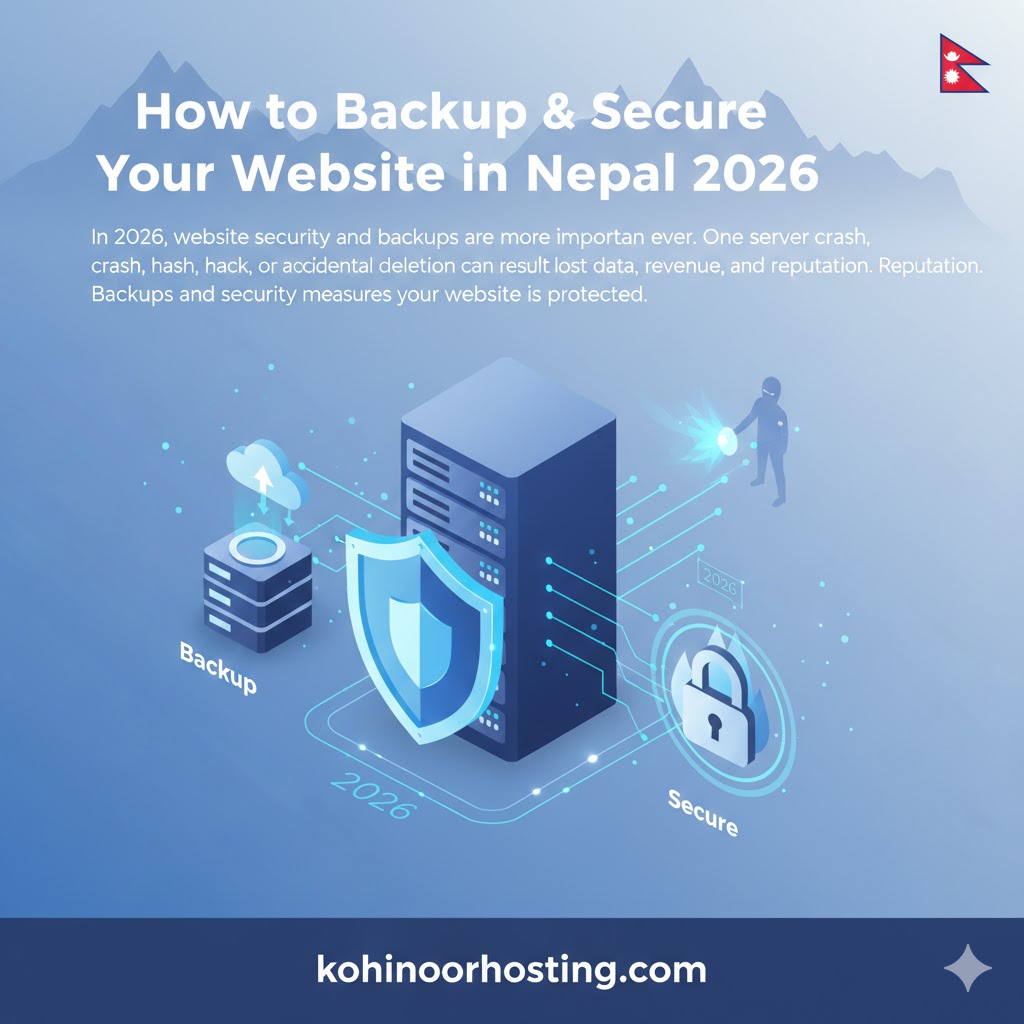
In 2026, website security and backups are more important than ever. One server crash, hack, or accidental deletion can result in lost data, revenue, and reputation. Backups and security measures ensure your website is protected.
This guide will teach you how to backup and secure your website in Nepal using reliable hosting services like KohinoorHosting.com.
1. Why Website Backups are Critical
Backups allow you to:
- Restore your website after hacks or crashes
- Recover from accidental deletion or updates
- Ensure business continuity
2. Types of Backups
Automated Hosting Backups
- Many hosting providers offer daily or weekly automated backups
- KohinoorHosting provides daily backups for WordPress and unlimited hosting
Manual Backups
- Use cPanel File Manager or FTP to download website files
- Export databases using phpMyAdmin
- Store backups in cloud storage or external drives
3. Website Security Best Practices
- Install SSL certificate for HTTPS encryption
- Use strong passwords for cPanel, FTP, and CMS
- Keep CMS, themes, and plugins updated
- Enable firewall and malware scanning
- Limit login attempts and enable 2-factor authentication
4. Hosting Provider Security Features
Choose hosting providers that offer:
- Free SSL certificates
- Malware scanning and removal
- Litespeed firewall
- Automatic updates and backups
5. Disaster Recovery Plan
- Schedule regular backups
- Test backup restores
- Store multiple copies in separate locations
Conclusion
Protect your website with proper backups and security measures. With KohinoorHosting.com, automated backups and top-tier security make this easy for Nepali website owners.
SEO Keywords: website backup Nepal, secure website Nepal, WordPress backup 2026, hosting security Nepal